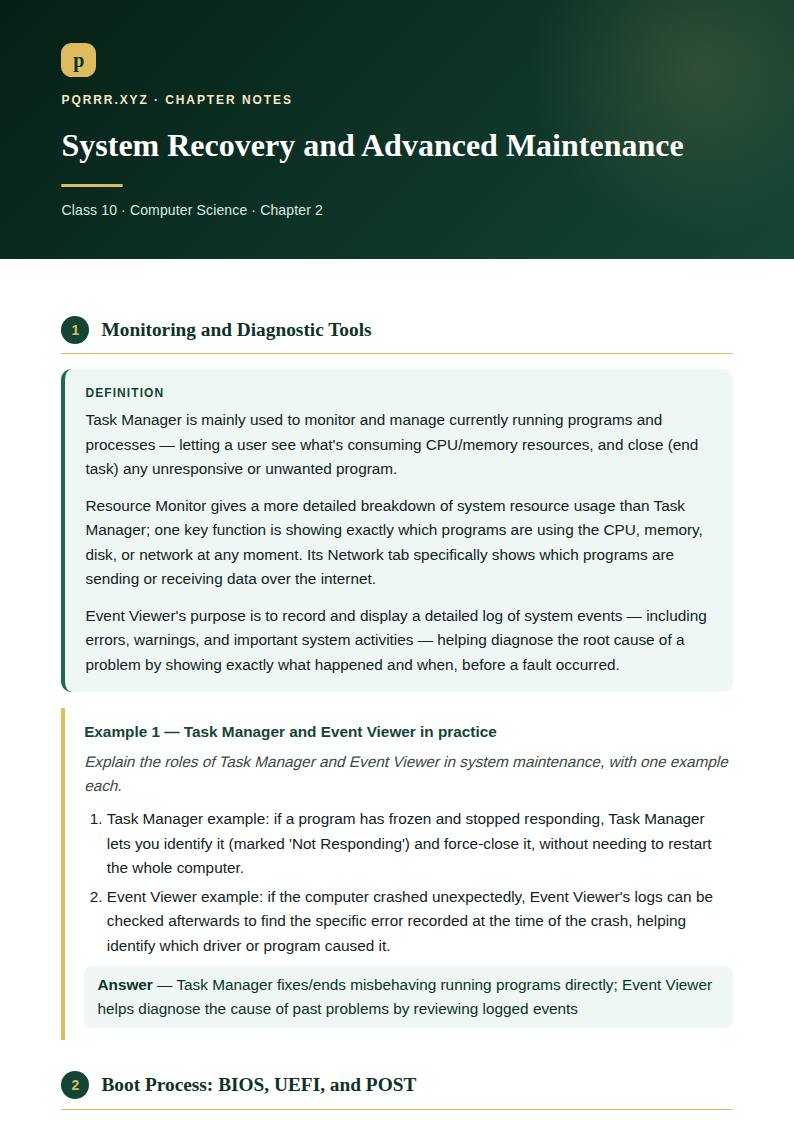
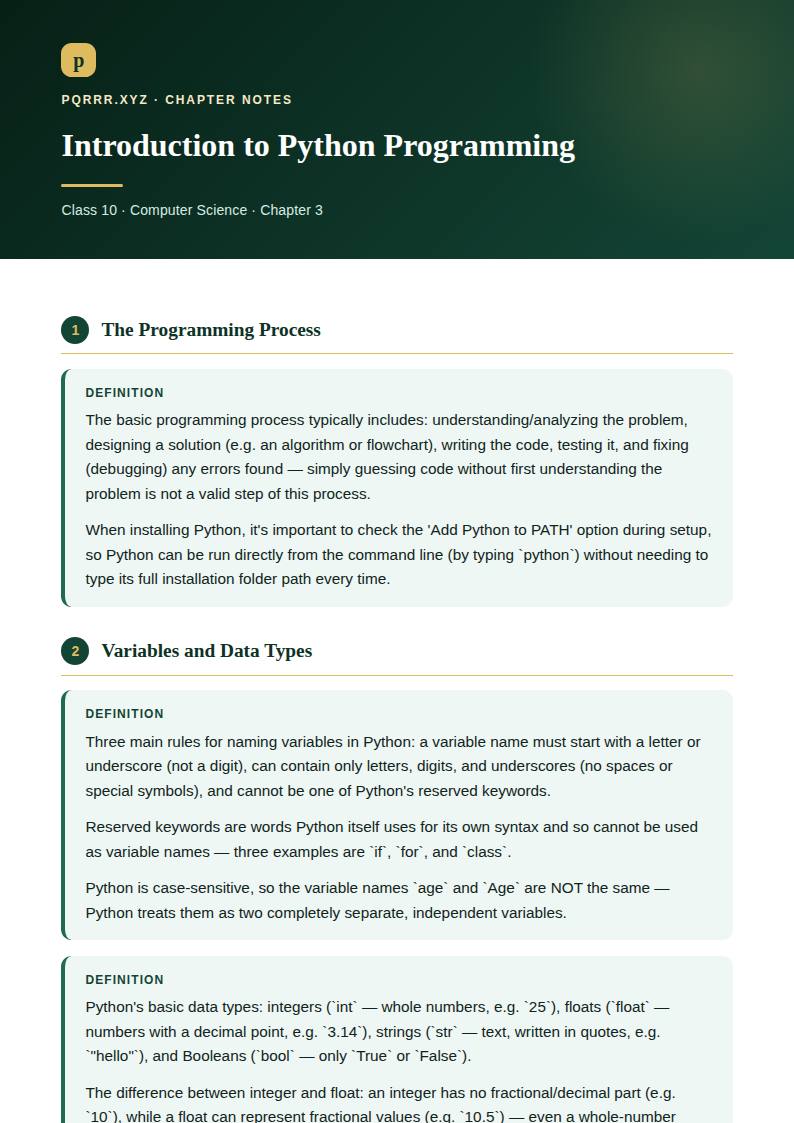
Definition
Control structures determine the order in which a program's statements actually execute — instead of code always running strictly top to bottom, control structures let a program make decisions (running different code depending on a condition) and repeat actions (running the same code multiple times), which is essential for writing programs that respond intelligently to different situations rather than always doing exactly the same fixed sequence of steps.
Definition
`if` runs a block of code only when its condition is `True`.
`else` is the statement used to execute code when a condition is false — it runs its block only when the preceding `if` (or `elif`) condition was `False`.
`elif` (else-if) lets a program check several conditions in sequence: Python checks the `if` condition first, then each `elif` condition in order (only if all earlier ones were `False`), and finally falls back to `else` if none of them were `True` — this lets a program choose between more than just two outcomes.
Definition
The `range()` function generates a sequence of numbers, commonly used to control how many times a `for` loop repeats.
The three parameters of `range()` are start, stop, and step — e.g. `range(1, 10, 2)` starts at , stops before , and increases by each time (giving `1, 3, 5, 7, 9`). If only one argument is given (e.g. `range(5)`), start defaults to and step defaults to .
A `while` loop repeats its block as long as a given condition remains `True`, checking the condition before every repetition — it's suited to situations where you don't know in advance exactly how many times to repeat. A `for` loop, by contrast, is suited to iterating a known, fixed number of times (or over a known sequence, like a list), since it's built around `range()` or a collection rather than an open-ended condition.
Example 1 — nested loop counting
What is the output of: `count = 0`, then a loop `for i in range(2):` containing `for j in range(3): count += 1`, then `print(count)`?
- The outer loop runs times (`i = 0, 1`).
- For each of those, the inner loop runs times (`j = 0, 1, 2`), each time adding to `count`.
- Total increments .
Answer:
Definition
A nested loop is a loop placed inside another loop — the inner loop completes all its repetitions for every single repetition of the outer loop. It's used, for example, when working with a grid or table-like structure (rows and columns), where the outer loop handles rows and the inner loop handles columns within each row.
Example 2 — a rectangular star pattern
Write code to print stars (asterisk) in a rectangular pattern with three rows and five columns, using nested loops.
- The outer loop repeats once per row (3 times).
- The inner loop, for each row, prints 5 stars on the same line, then a newline is printed after the inner loop finishes.
Answer: for i in range(3): for j in range(5): print("*", end="") print() # Output: # ***** # ***** # *****
Example 3 — a multiplication table with nested loops
Find the output of this code: `for i in range(2, 4):` ` for j in range(1, 11):` ` print(f"{i} x {j} = {i*j:2d}", end=" ")` ` print()`
- The outer loop runs for `i = 2, 3` (range(2, 4) stops before 4).
- For `i = 2`, the inner loop prints `2 x 1 = 2` through `2 x 10 = 20`, all on one line (since `end=" "` prevents a newline after each), then `print()` starts a new line.
- For `i = 3`, the inner loop similarly prints `3 x 1 = 3` through `3 x 10 = 30` on the next line.
Answer: Row 1: 2 x 1 = 2 2 x 2 = 4 ... 2 x 10 = 20 Row 2: 3 x 1 = 3 3 x 2 = 6 ... 3 x 10 = 30 (the multiplication tables for 2 and 3)
Definition
`print()` normally adds a newline after its output automatically; this is prevented (or replaced) using the `end` parameter — e.g. `print("Hi", end="")` prints `Hi` without moving to a new line afterward, letting the next `print()` continue on the same line. The purpose of the `end` parameter is exactly this: controlling what's printed after the given text instead of the default newline.
Definition
In Python, list indexing starts from — so the first element is at index , the second at index , and so on. An element is accessed by writing the list's name followed by the index in square brackets, e.g. `my_list[2]` accesses the third element (index ).
Three list methods and their purposes: `append()` adds an item to the end of the list; `remove()` deletes the first matching occurrence of a specified value from the list; `sort()` arranges the list's elements in ascending order.
The difference between `append` and `remove`: `append()` adds a new item to the list (growing it by one), while `remove()` deletes an existing item from the list (shrinking it by one) — they do opposite jobs.
Definition
`list.append()` adds a single item to the end of an existing list, e.g. `my_list.append(10)` adds `10` as the new last element.
An existing list item is modified by assigning a new value directly to its index, e.g. `my_list[1] = 99` changes the second element to `99`.
The `reverse()` method reverses the order of a list's elements in place — e.g. if `my_list = [1, 2, 3]`, then `my_list.reverse()` changes it to `[3, 2, 1]`.
Example 4 — working with a list
Show how to create a list, add an item, remove an item, and access an element.
- Create: `fruits = ["apple", "banana", "cherry"]`.
- Add an item: `fruits.append("mango")` — the list becomes `["apple", "banana", "cherry", "mango"]`.
- Remove an item: `fruits.remove("banana")` — the list becomes `["apple", "cherry", "mango"]`.
- Access an element: `fruits[0]` gives `"apple"` (the first element, at index ).
Answer: fruits = ["apple", "banana", "cherry"] fruits.append("mango") fruits.remove("banana") print(fruits[0]) # apple
Definition
Python libraries enhance programming efficiency by providing pre-written, tested code for common tasks, saving a programmer from writing (and debugging) that functionality from scratch — e.g. the `random` library provides ready-made functions to generate random numbers, which would otherwise require writing a fairly involved random-number algorithm yourself.
A library is imported into a Python program using the `import` statement, e.g. `import random` makes the `random` library's functions available to use in that program.
Definition
Debugging is the process of finding and fixing errors (bugs) in a program's code.
One debugging technique involves adding output statements (like extra `print()` calls) at various points in the code, to display the current value of variables and check whether the program is behaving as expected at each stage — helping narrow down exactly where something goes wrong.
A debugging tool that allows a programmer to step through code line by line and inspect variables is a debugger (an interactive debugging tool, such as Python's built-in `pdb` or a debugger built into an IDE).
Definition
Unit testing tests the smallest individual parts (units) of code, like a single function, in isolation — it's important because it catches errors early, in a small, specific piece of code, before that error can spread and cause harder-to-diagnose problems elsewhere in a larger program.
Integration testing checks how different parts (units) of the code work together once combined, since code that works correctly in isolation can still fail when it interacts with other parts.
Functional testing checks whether the software behaves correctly according to its specified requirements — testing what the program should do from a user's perspective, rather than testing internal code structure.
Regression testing re-runs existing tests after making code changes, to check that those changes haven't accidentally broken something that used to work correctly — it's important because fixing one bug or adding one feature can sometimes unintentionally introduce a new bug elsewhere.
Quick Recap
- ●Control structures let a program make decisions and repeat actions, instead of always running top-to-bottom
- ●if / elif / else: checks conditions in order, running exactly one matching block (or none, with no else)
- ●for loop (fixed/known repetitions, often with `range(start, stop, step)`) vs while loop (repeats while a condition stays true)
- ●Nested loops: inner loop fully completes for every outer loop repetition — used for grids/tables; `end=` parameter controls what follows `print()`'s output
- ●Lists: -indexed; `append()` adds, `remove()` deletes a value, `sort()` orders ascending, `reverse()` flips order; access/modify via `list[index]`
- ●Libraries (`import`) provide ready-made code (e.g. `random`), saving effort and reducing bugs
- ●Debugging: print statements or a debugger (step through line by line, inspect variables)
- ●Testing: unit (one part) integration (parts together) functional (meets requirements) regression (nothing broke after a change)